Siege Tracker Xbox - How to Check Rainbow Six Siege Xbox Stats
How Xbox players can find the right name and platform, check Rainbow Six Siege stats, understand Series X|S vs Xbox One differences and read rank in the console pool.

How Xbox players can find the right name and platform, check Rainbow Six Siege stats, understand Series X|S vs Xbox One differences and read rank in the console pool.
What PS5 players need to know about checking Rainbow Six Siege stats, from the PS5 vs PS4 split and Dual Front to reading each mode and logging progress.

Why PlayStation stat lookups fail, how your PSN name and Ubisoft name relate, what account linking shares, and how to find your own or any player’s Siege stats.
How PC players on Ubisoft Connect, Steam or Epic can find their Ubisoft name, check Rainbow Six Siege stats, understand separate PC rank and stay secure.
How Xbox and PlayStation players share one pool and one console rank, what the PC pool changes, and how to check and compare console stats fairly.
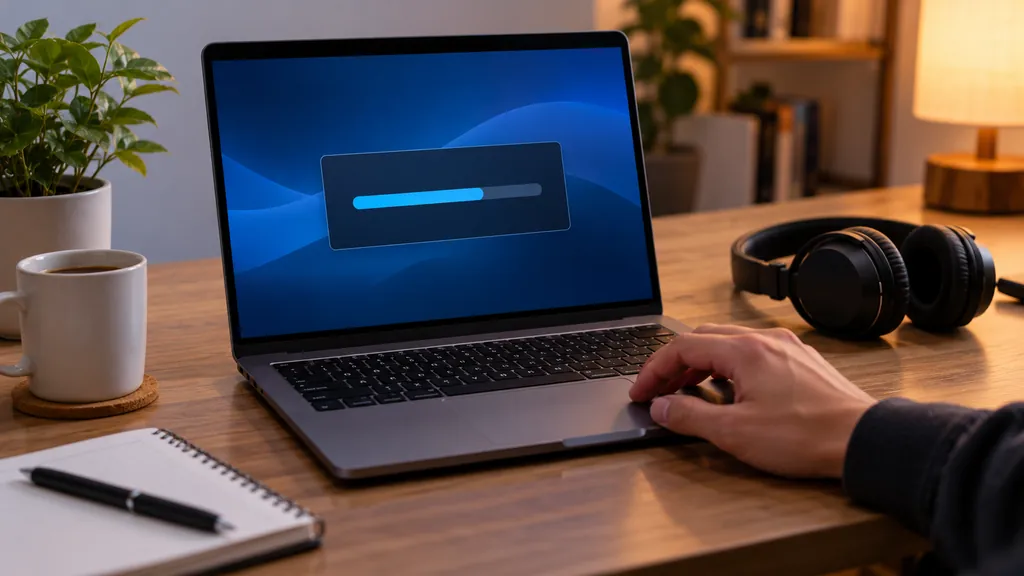
What an R6 tracker download really gets you, how to install a third-party desktop app safely, and why a free browser tool with no download often does the same job.
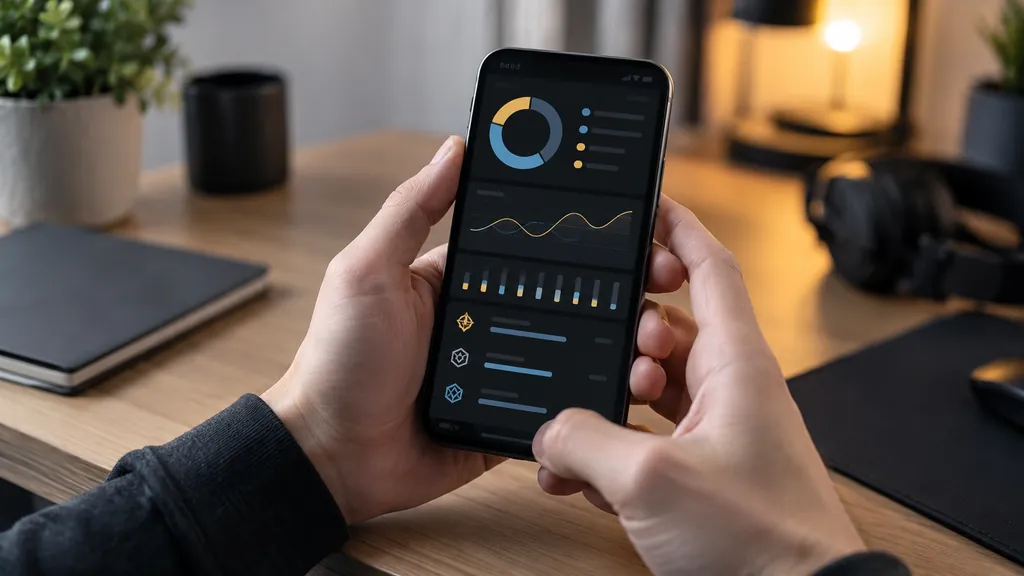
How to track Rainbow Six Siege stats on any device with a free browser tool, from home screen shortcuts for console players to moving your own log between devices with export and import.
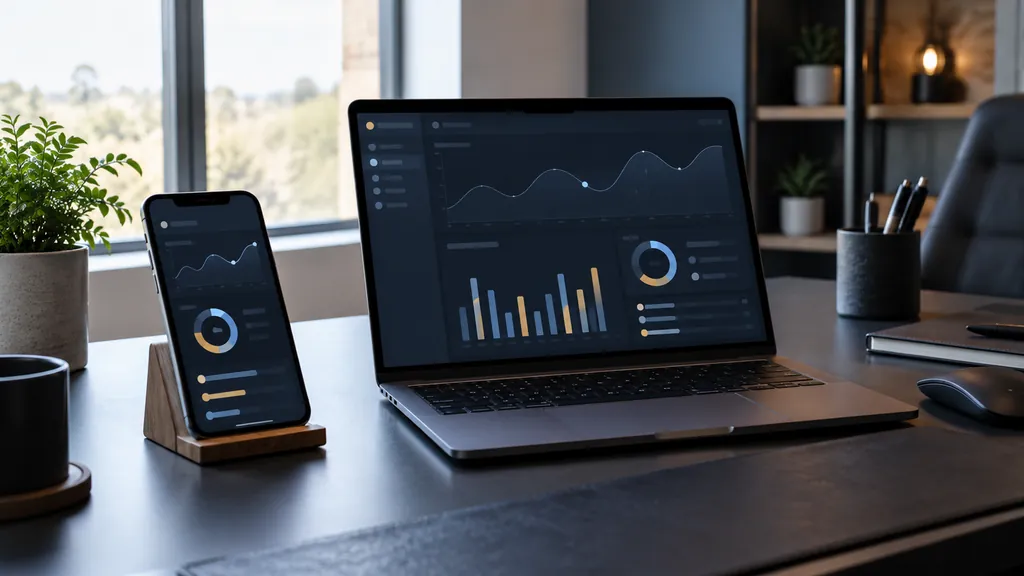
A complete guide to R6 tracker apps. The three main types, the features that genuinely help you improve, how trackers get their numbers, and how to choose one without risking your account.
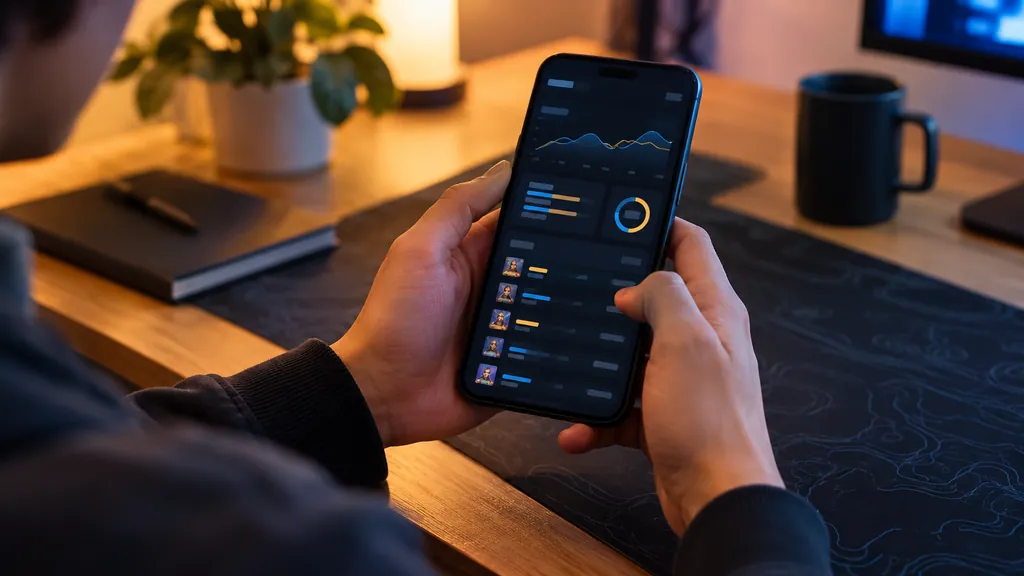
How to check Rainbow Six Siege stats on your phone, step by step. Find the right pages, make your mobile browser feel like an app, and log a session in about a minute.
How stat overlays for Rainbow Six Siege work, what they can and can’t show, the fair-play and safety questions worth weighing, and overlay-free ways to track your progress.