
Siege Tracker – Track Rainbow Six Siege Stats & Rankings
Siege Tracker helps Rainbow Six Siege players understand their performance through rank, K/D ratio, win rate, matches played and season-by-season trends. Copy the numbers from your in-game career screen into the Stat Analyzer or the K/D & Win Rate Calculator to see what they really say about your play, then use our guides to turn those metrics into clear improvement goals.
Siege Tracker — Your Season, Tracked
Save a snapshot from your in-game ranked screen after each session. Siege Tracker turns your season totals into K/D, win rate, headshot %, kills per round and rank progress, and shows exactly what each session changed. Free, no account, no password — your history stays in your own browser.
Start tracking your season
- Open Rainbow Six Siege → Career → Ranked (current season).
- Copy your season kills, deaths, wins and losses into the form, plus your rank tier and division.
- Save a snapshot. Do it again after your next session — Siege Tracker shows what that session did to your numbers.
| Date | Rank | Matches | K/D | Win % | HS % | Session | Delete |
|---|
Snapshots are saved only in this browser on this device. Nothing is sent to Siege Tracker. Export a file to keep a backup or move your history to another device. Siege Tracker never asks for your Ubisoft password.
R6 Skin Price Tracker
Check what popular Elite skins are going for at a glance: the current price, 30-day change with a trend graph, and the 30-day average, low and high for 40 Elite sets. Prices are estimates in USD and refresh daily — confirm the exact price in the in-game marketplace before you buy.
Estimated prices in USD, modelled from each skin's typical price and refreshed daily. Siege Tracker has no access to Ubisoft's marketplace data — check the in-game marketplace for the exact current price before you buy.
What Is Siege Tracker?
Siege Tracker is an independent Rainbow Six Siege statistics and performance resource. It explains what your rank, K/D ratio, win rate and headshot percentage mean, and gives you simple tools to calculate them from your own numbers. It is not an official Ubisoft product and does not require a login or your password.
What You Will Find Here:
- Plain-English definitions of every core Siege metric
- Browser calculators for K/D, win rate, headshot %
- Guides to ranks, divisions, Rank Points and placements
- Context for seasonal stats versus lifetime career stats
- Breakdowns of operator, map and weapon performance
- Practical steps for turning numbers into improvement
- Coverage for PC, PlayStation and Xbox players
- No account, no login and no password requests, ever
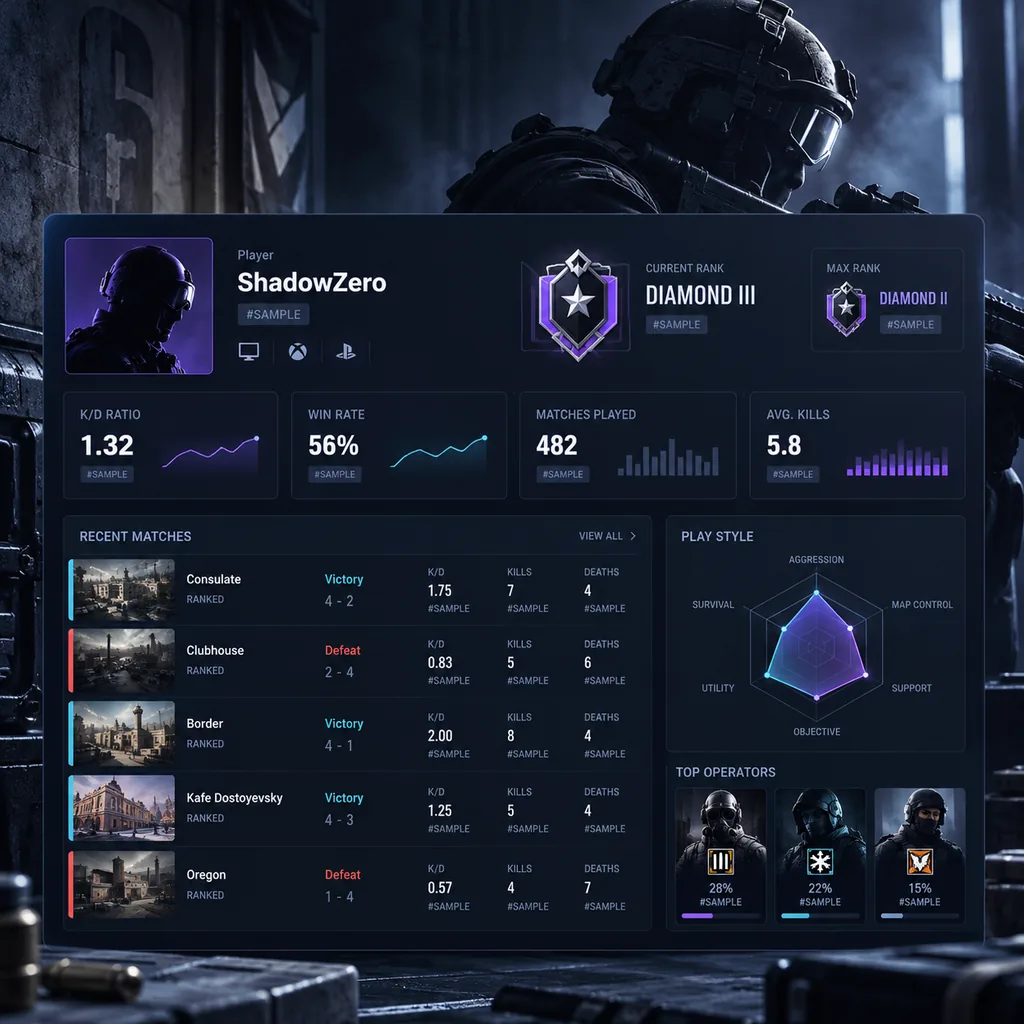
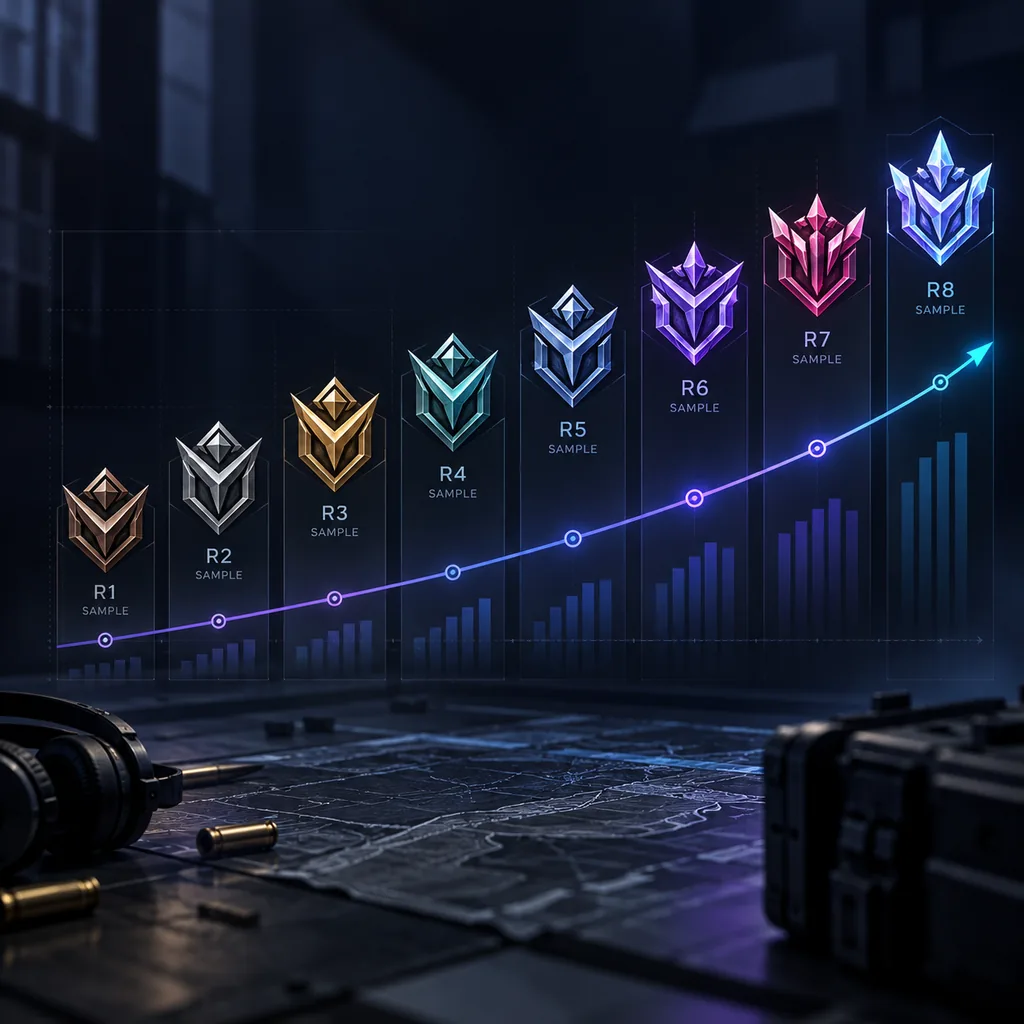
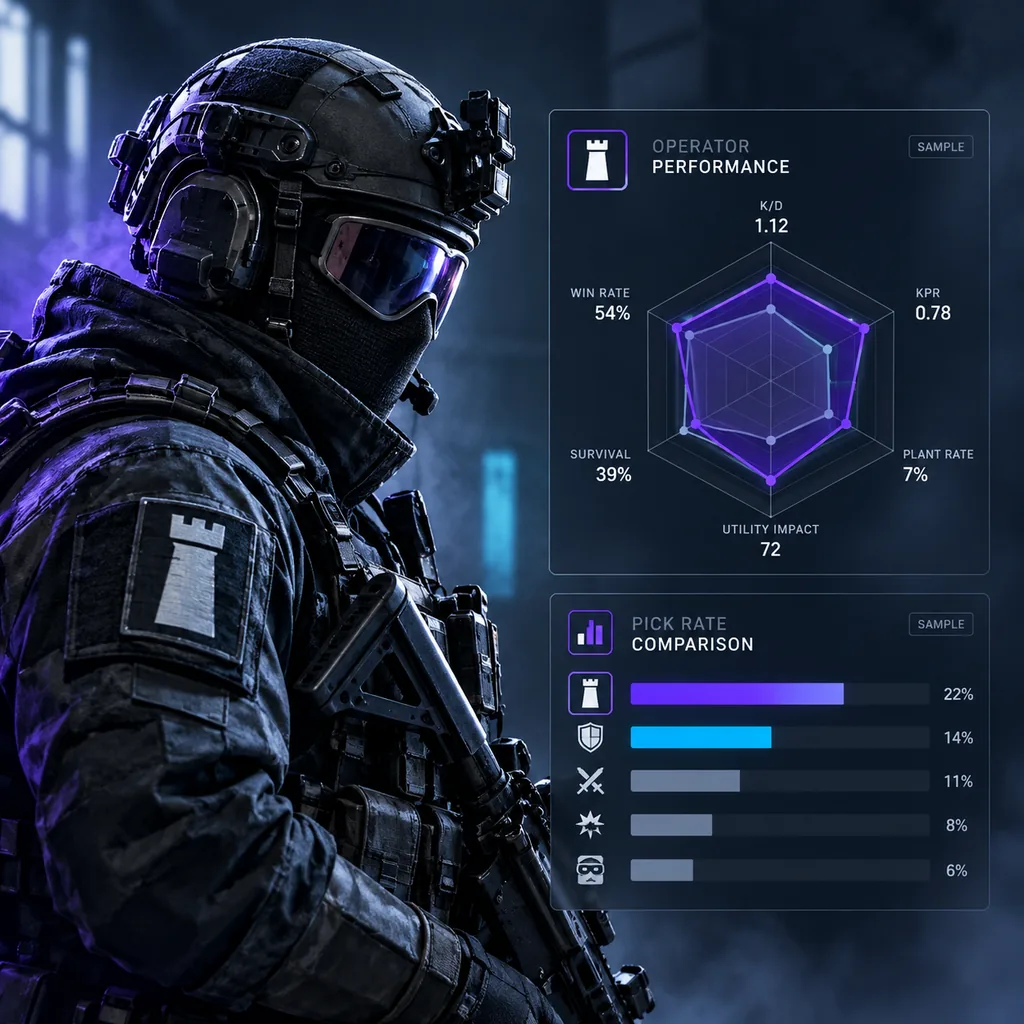
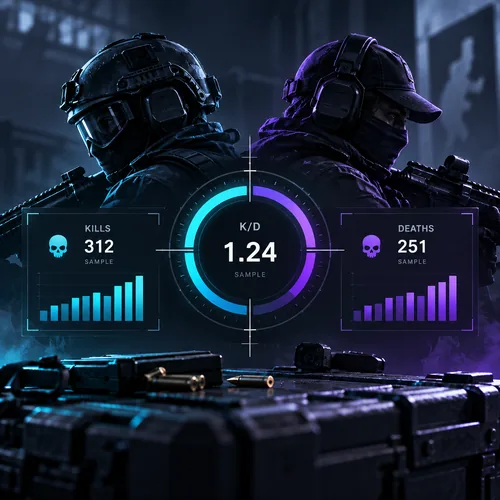
Our Mission
We want to make Rainbow Six Siege stats easier to understand. Career screens show plenty of numbers, but rarely explain what they mean or which ones matter. We define each metric, show how it is calculated and explain how to read it alongside the rest of your profile.
Our Vision
We want every player, from Copper to Champion, to get clearer performance insights from their own data. Knowing why your K/D, win rate and rank move the way they do makes it easier to set realistic goals and spot the habits worth changing.
Player-First Approach
Useful data should not need a spreadsheet. We keep tools simple, explain formulas openly and never ask for your Ubisoft password. Calculations run in your browser, nothing you enter is stored, and every guide is written to answer the questions players actually ask.
Player Stats
Learn what K/D, win rate, headshot % and kills per match say about your overall play.
Rank Progress
Understand ranks, divisions, Rank Points and placement matches so your season climb makes sense.
Match History
Read recent ranked results in Siege Tracker as a trend instead of judging yourself on a single match.
Operator Stats
See how operator picks, attack and defense roles shape your kills, deaths and wins.
R6 Stats We Break Down
Player Profile Overview
Learn how to read a Siege player profile and its R6 stats: rank, level, K/D and win rate.
Rank Tracking
Follow your rank, division and Rank Points across a ranked season with Siege Tracker.
K/D Analysis
Enter kills and deaths into the Siege Tracker Stat Analyzer to see your true K/D ratio.
Win Rate Analysis
Calculate win rate from wins and losses and learn what your R6 stats say about impact.
Match History Review
Break down recent ranked matches to spot streaks, tilt and consistent habits.
Operator Performance
Compare kills, deaths and wins by operator in Siege Tracker to find your strongest picks.
Map Performance
Learn which maps lift or drag your win rate and how to study the weak ones.
Weapon Statistics
Understand headshot %, kills per weapon and how loadout choice affects K/D and your other R6 stats.
Platform Filtering
Separate PC, PlayStation and Xbox R6 stats so comparisons stay fair and accurate.
Stat Tracking Advantages
Understand Performance
Know what your K/D, win rate and headshot % actually measure, so every number on your profile has meaning.
Identify Weaknesses
Low win rate on one map or a poor K/D on one operator shows exactly where practice time should go.
Follow Rank Progress
Track Rank Points gained and lost per session to see whether your climb is steady or stalling.
Compare Metrics
Read K/D and win rate together to tell fragging from round-winning impact across your matches.
Review Match Trends
Look at the last 20 to 50 matches instead of one bad game to see your real direction this season.
Make Better Improvement Decisions
Pick operators, maps and roles based on your numbers rather than gut feeling or one great round.
How Siege Tracker Works
From finding your numbers to acting on them, four simple steps turn raw stats into clear goals.
Find Your Numbers 01
Open your in-game career or ranked screen, or your Ubisoft profile, and note kills, deaths, wins, losses and matches played.
Review Key Performance Metrics 02
Enter those numbers in the Stat Analyzer to calculate K/D ratio, win rate, headshot % and kills per match.
Analyze Seasonal and Match Trends 03
Compare this season with your lifetime stats and recent sessions to see whether you are improving or slipping.
Use Insights to Improve 04
Turn weak spots into goals: a better operator pool, safer map habits, or steadier Rank Points gains each session.
SEASON STATS VS LIFETIME STATS
How to Track Rainbow Six Siege Stats
STEP 1 Identify the Player
Confirm the exact Ubisoft username, since similar names are common and easy to mix up.
STEP 2 Select Platform
Choose PC, PlayStation or Xbox, because each platform keeps its own ranked stats.
STEP 3 Review Rank
Note current rank, division and Rank Points, plus the peak rank reached this season.
STEP 4 Analyze Core Metrics
Calculate K/D, win rate and headshot % in the Stat Analyzer from your own numbers.
STEP 5 Compare Trends
Check these numbers against last season and your lifetime stats to see real progress.
How to Improve Using Siege Stats
STEP 1 Establish a Baseline
Record your current K/D, win rate, rank and matches played so you have a fixed starting point.
STEP 2 Review K/D
Check whether you win your gunfights; a K/D near 1.0 means kills and deaths are roughly even.
STEP 3 Review Win Rate
Win rate shows round-winning impact; compare it with K/D to see if kills turn into wins.
STEP 4 Analyze Operators and Maps
Find the operators and maps where your numbers drop, then focus practice time there first.
STEP 5 Track Progress Over Time
Recalculate every few sessions and compare against your baseline instead of single matches.
What You Need to Track R6 Stats
Correct Ubisoft Name / ID
Use the exact Ubisoft Connect username tied to the Rainbow Six Siege profile you want to review.
Correct Platform
PC, PlayStation and Xbox progress can differ, so confirm which platform the numbers come from.
Current Season Context
Ranks reset each season, so note whether you are looking at this season or an older one.
Available Data
A profile with few ranked matches gives unstable numbers; larger samples give more reliable stats.
Accurate Player Selection
Similar usernames are common. Double-check you are reviewing the right player before comparing.
Metric Definitions
Know how K/D, win rate and headshot % are calculated so you read each number the right way.
Key Metrics You Can Understand
Core Performance Metrics
- K/D Ratio: kills divided by deaths
- Win Rate: wins as a share of matches
- Rank / RP: your tier and Rank Points
- Matches Played: your sample size
Detailed Play Metrics
- Headshot %: share of kills by headshot
- Operator Performance by pick and role
- Kills per Match across your sessions
- Map results on attack and defense
Built on Clarity, Focused on Privacy Player Trust
Clear Metric Definitions
6 Core Metrics
Every metric comes with its formula. K/D is kills divided by deaths; win rate is wins divided by wins plus losses, times 100.
No Password Requests
0 Passwords
We will never ask for your Ubisoft password, login code or account email. No tool here needs a sign-in to work.
Privacy-Aware Tools
Nothing Stored
The Stat Analyzer and K/D calculator run in your browser. Numbers you type are not saved, sent or shared with anyone.
Independent Resource
Not Ubisoft
We are not affiliated with Ubisoft. Our data transparency means sample figures are labelled as examples and formulas are shown openly.
Why Players Use Our Stat Guides
Clear Data
Every metric comes with its formula and a plain explanation, so you know exactly what K/D, win rate and headshot % are measuring.
Simple Navigation
Guides are grouped by ranks, operators, maps and metrics, so you can jump straight to the topic you need without digging.
Performance Context
Numbers are explained in context: sample size, season vs lifetime and solo vs squad play, so one bad night never misleads you.
Competitive Insights
Learn how Rank Points, placement matches and seasonal resets shape ranked progress, from Copper all the way to Champion.
Mobile-Friendly Experience
Guides and calculators work on any phone or tablet, so you can check your numbers between matches without opening a desktop browser.
Player-Focused Guides
Written for players who want to improve, with practical steps on aim, operator choice, map knowledge and ranked consistency.
Siege Tracker Insights
Rank Insights
Understand how Rank Points, divisions and team rank balance interact, and why your RP gains change from match to match across a season.
K/D Analysis
See what your K/D ratio really says about your fights, and why it should be read next to win rate and matches played.
Operator Performance
Compare kills, deaths and win rate per operator to spot the picks you perform best on and the ones that need more practice.
Competitive Improvement
Turn your numbers into a plan: set a baseline, focus on one weakness at a time and re-check your stats after a full block of matches.
R6 PERFORMANCE METRICS GUIDE
Safe Stat Tracking Tips
Many stat sites and tools look official, but not all of them are safe to trust.
- Never share your Ubisoft password
- Verify the site's domain
- Skip unknown .exe trackers and extensions
Performance Analysis Tips
- Judge a full sample, not one match
- Read K/D with win rate
- Factor in map & operator
- Track the trend
Common Player Goals
Steady ranked results come from limiting bad sessions. Tracking win rate per session shows when to keep queuing and when to stop.
Improve Ranked Consistency
Ranked goal
Understand K/D Trends
Stats goal
Identify Strong Operators
Operator goal
Review Weak Maps
Map goal
Track Seasonal Progress
Season goal
Compare Performance
Improvement goal
Ready to Understand Your Siege Stats?
Use Siege Tracker’s free guides and calculators to read your rank, K/D ratio and win rate with confidence.
Disclaimer
Siege Tracker is an independent informational and statistics resource for Rainbow Six Siege players. It is not affiliated with, endorsed by, or operated by Ubisoft Entertainment. Rainbow Six and related names and trademarks belong to their respective owners.
Siege Tracker FAQs
What is Siege Tracker?
Siege Tracker is an independent Rainbow Six Siege stats resource. It explains metrics, ranks and operators, and offers free calculators for your own numbers.
Is it affiliated with Ubisoft?
No. Siege Tracker is independent and is not affiliated with, endorsed by, or operated by Ubisoft. Rainbow Six names belong to their respective owners.
What stats can I track?
You can analyze K/D ratio, win rate, headshot %, kills per match and matches played by entering your own numbers into the Stat Analyzer or K/D Calculator.
Do I need my Ubisoft password?
Never. No tool here asks for a login. You copy numbers from your in-game career or ranked screen yourself. Anyone asking for your password is a red flag.
Does it work for PC and console players?
Yes. The metrics and formulas are the same on PC, PlayStation and Xbox. For a fair read, compare numbers from the same platform, mode and season.
Is Siege Tracker free, and do I need an account?
Yes. Every guide and calculator is free, with no account or sign-up. Calculations run in your browser and nothing you enter is stored.
What does K/D ratio mean?
K/D is kills divided by deaths. A K/D around 1.0 means you break even in gunfights; above 1.0 you get more kills than deaths.
How is win rate calculated?
Win rate = wins ÷ (wins + losses) × 100. With 30 wins and 20 losses, your win rate is 60%. It shows how often your matches end in a victory.
What does headshot % show?
Headshot % is the share of your kills that were headshots. It hints at crosshair placement and aim discipline, but reads best alongside K/D.
Why read K/D and win rate together?
K/D shows individual fights; win rate shows match results. A high K/D with a low win rate can mean low-impact kills.
What are operator stats?
Operator stats split kills, deaths and wins per operator, showing your strongest picks and the ones that need practice.
What do map stats tell me about my play?
Map stats compare win rate and K/D per map. A clearly weaker map usually signals a gap in site knowledge, rotations or setup routines.
Do you store the numbers I enter?
No. The Stat Analyzer and K/D Calculator compute results directly in your browser. Nothing you type is saved, logged or sent to a server.
Why might some of my stats be missing?
Siege only shows what Ubisoft records for your account. Older seasons, unranked modes or limited in-game screens can leave gaps in what you can copy.
Is my Ubisoft account safe?
We never touch it. Use a unique password, turn on 2-step verification in your Ubisoft account settings, and never enter your login on third-party stat sites.
Should I install stat-tracking programs?
Be careful. Never run unknown executables or extensions that promise stats or boosts. This site needs no download.
How do I spot a fake tracker site?
Check the domain spelling, leave any page that asks for your password or card details, and ignore offers of free credits or rank boosting.
How do I report a data issue?
Use the contact page and choose "Report a data issue". Tell us which guide or formula looks wrong and we will review and correct it.
What are Rank Points (RP)?
RP are points you gain for ranked wins and lose for losses. Your RP total sets your rank, from Copper up to Champion.
Does Rainbow Six Siege still use MMR?
No. Ranked 3.0 removed the hidden MMR older versions used. Matchmaking now uses Rank Points only, and RP moves with the result and team rank balance.
Season vs lifetime stats?
Season stats cover the current ranked season and reflect recent form. Lifetime stats cover your whole career and give long-term context.
What is current rank vs peak rank?
Current rank is where you stand now; peak rank is the highest you reached this season. A wide gap often means a recent losing streak.
How often do my stats change?
Your in-game stats update after every match. Ranks reset each season, so early-season numbers swing more than late-season totals do.
How can stats help me improve?
Stats reveal patterns like weak maps or low-impact operators. Pick one weakness, practice it, then re-check your numbers after 20+ matches.