Siege Tracker never needs your Ubisoft login, but the wider world of R6 trackers attracts phishing pages and fake stat tools. This R6 account security guide covers R6 tracker safety: how to protect your Ubisoft account, spot fake stat sites and credential theft, and check your Rainbow Six Siege stats without putting your account at risk.
Recognizing Common Account Scams
Most Rainbow Six Siege account losses start with a fake page, a fake message or a fake download. Knowing the patterns lets you spot them before you type anything.
Phishing Attempts
Phishing pages copy the look of Ubisoft's login, a stat tracker or a giveaway page to capture your email and password. They arrive through Discord DMs, emails about "suspicious activity" or in-game invites. Always type the address yourself or use a bookmark before signing in to Ubisoft Connect. A legitimate stat site never needs your password, and we will never ask for it through email, chat or any form.
Fake Stat Sites and Offers
Be wary of sites promising "hidden MMR", free R6 Credits, rank boosts, unbans or a look at another player's private stats in exchange for a login. Real Rainbow Six Siege stats are either visible in-game, on your Ubisoft profile, or entered by you into a calculator. If a page needs your Ubisoft password or a verification code to show you numbers, it is not a stat site, it is a credential grab.
Suspicious Downloads
Never run an .exe, browser extension or "stat overlay" sent by a stranger or found through an unknown link. Fake trackers and cheat loaders are a common way to install token stealers that grab saved browser passwords and session cookies. Our tools run in your browser and require no download. Install software only from official stores or the developer's own site.
Impersonation Scams
Scammers pose as Ubisoft support, tournament organizers, content creators or stat site staff to pressure you into sharing a code or login. Real support will not message you first asking for your password or 2-step verification code. Check the sender, never share a code you did not request, and report impersonating accounts on the platform where you met them.
Siege Tracker
Safety at a Glance
How our free tools are built to keep your Rainbow Six Siege account out of the picture entirely.
0
Password-Free Stat Analysis
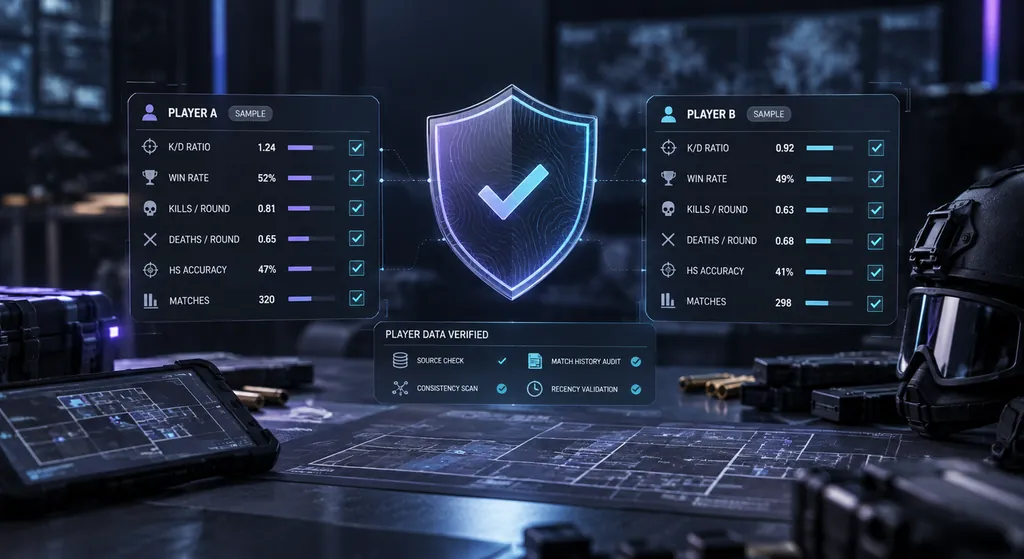
The Stat Analyzer only uses numbers you copy from your in-game career screen, never your login.
0 Logins
Accounts Required to Use Tools
There is no sign-up, no login form and no stored profile here, so there is nothing for an attacker to steal.
100%
In-Browser Calculations
K/D, win rate and headshot % are calculated in your browser. The numbers you enter are not stored or sent.
2FA
2-Step Login
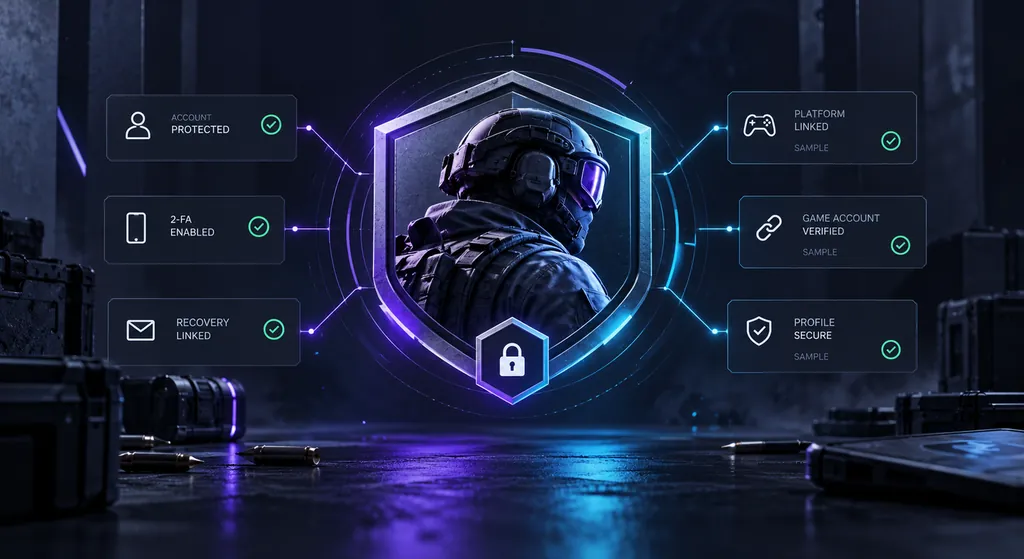
Turning on Ubisoft 2-step verification is the single best protection for the account behind your stats.
Telling Safe and Fake R6 Trackers Apart
Use this checklist before you trust any Rainbow Six Siege stat site, overlay or tool with your attention, let alone your account.
R6 TRACKER SAFETY CHECKLIST
What the Site Does
Safe Stat Tool
Fake or Phishing Site
Asks for your Ubisoft password
—
✓
Asks for a 2-step verification code
—
✓
Requires an .exe to show "hidden" stats
—
✓
Works from public stats or numbers you type
✓
—
Promises free credits, boosts or unbans
—
✓
Uses one exact domain over HTTPS
✓
—
Explains where its numbers come from
✓
—
Pushes countdowns or "account flagged" alerts
—
✓
Protecting Your Login
Your Ubisoft account holds your rank history, operators and every stat you track. These habits keep the login behind it secure.
Use a Unique, Strong Password
Use a long, unique password for your Ubisoft account that you do not reuse for email, Discord or any other site. Reused passwords are the main reason accounts fall after an unrelated breach. A password manager makes this easy and also refuses to autofill on a lookalike domain, which is a useful early warning that you have landed on a phishing page.
Turn On Ubisoft 2-Step Verification
Enable 2-step verification in your Ubisoft account security settings, ideally with an authenticator app rather than email codes alone. Even if your password leaks, an attacker still needs the code. Store your backup codes offline. Never read a verification code out to anyone, and treat any site or person asking for one as hostile.
Verify Every Login Page
Before typing your Ubisoft credentials, check the address bar for the exact official domain and a secure connection. Lookalike domains swap letters, add extra words or use odd endings. If you reached a login page from a link in a DM, an ad or a stat site, close it and sign in through a bookmark or the Ubisoft Connect app instead.
Keep Software Updated
Keep your browser, operating system and security software updated, and turn on the browser's built-in phishing and malicious download protection. Only install extensions from official stores and remove any you no longer use, since a compromised extension can read the pages you visit, including login forms.
Monitor for Data Breaches
Use a breach notification service to check whether your email has appeared in a known data leak. If it has, change the Ubisoft password and any account that shared it, then confirm 2-step verification is on. Attackers routinely test leaked email and password pairs against gaming accounts, so a breach elsewhere can still reach your Rainbow Six Siege profile.
Secure Your Email Account
Your email is the recovery key for your Ubisoft account. Protect it with its own unique password and 2-step verification, and review its forwarding rules and connected apps. If an attacker controls your inbox, they can reset your game password, so securing email protects your stats, rank history and linked platforms.
The Complete R6 Account Security Playbook for Siege Players
R6 account security goes well beyond a strong password. Your Ubisoft account ties together your rank history, operator unlocks, cosmetics and every platform you play Siege on, so one weak spot can expose all of it. This playbook walks you through setup, the scams aimed specifically at Siege players, and the habits that keep your account and your stats safe.
Every step below happens on official Ubisoft pages or on your own devices. Siege Tracker never sees your login, so nothing here asks you to share one.
In this guide
R6 Account Security Starts With 2-Step Verification
2-step verification is the core of R6 account security, and setting it up takes a few minutes. Do it from a computer you trust, not a shared or public machine.
Open the security section of your account settings and find the 2-step verification option.
Choose your method. An authenticator app is generally stronger than codes sent by email, because it does not depend on your inbox staying safe.
Scan the QR code with your authenticator app and enter the code it shows to confirm.
Save the backup codes you are given. Print them or write them down and keep them offline.
Afterwards, sign out and back in once to confirm the prompt appears. If you change phones, move your authenticator to the new device before wiping the old one, or you may lock yourself out.
Password Managers and Ubisoft Account Security
A password manager is the easiest way to keep a long, unique password on every account without memorising any of them. For Ubisoft account security, it also adds a quiet safety check that most players never notice.
Domain matching. A manager fills your login only on the exact site it was saved for. If it offers nothing on a page that looks like Ubisoft, stop and check the address.
Generated passwords. Let it create a random password of 16 characters or more. You never type it, so you cannot reuse it out of habit.
One strong master password. Protect the manager itself with a long passphrase and its own 2-step verification.
No plain-text notes. Do not keep logins in a text file, a screenshot or a Discord message to yourself.
A browser’s built-in manager is better than nothing. A dedicated manager with its own lock adds a layer, which strengthens your R6 account security if a token stealer ever reaches your browser data.
Strong R6 account security protects your rank history, cosmetics and linked platforms.
Phishing Patterns That Target Siege Players
Scammers know what Siege players want, so their lures look like Siege content. Recognising the script is a big part of R6 account security.
Fake skin giveaways. Posts or DMs offering a rare weapon skin, a bundle or a pile of R6 Credits if you sign in to claim it. Real promotions are announced on official Ubisoft channels, not through a stranger’s link.
Fake esports rewards. Pages copying the look of an official viewing reward and asking you to link your account on an unfamiliar domain.
Fake stat sites. A tracker that wants you to sign in before showing your rank, MMR or match history.
Discord DMs. “I accidentally reported you”, “vote for my team”, “test my overlay” or “you won our server giveaway”. Each one ends at a login page or a download.
Fake tournament sign-ups. Small cups that need your Ubisoft password to “verify your rank”.
The common thread is urgency plus a login request. Slow down and open Ubisoft yourself instead.
Linked Accounts on Xbox, PlayStation, Steam and Epic
Your Ubisoft account can be linked to Xbox, PlayStation, Steam and Epic Games accounts. Each link is another door, so your R6 account security is only as strong as the weakest of them.
Secure every platform. Turn on each platform’s own 2-step protection and give each one a unique password.
Review links regularly. In your Ubisoft account settings, check which platform accounts are connected. Anything you do not recognise is a red flag.
Be careful with unlinking. Linking and unlinking can come with limits. Read Ubisoft’s help pages before removing a link you may need later, rather than experimenting.
Watch console sign-ins. A shared console that stays signed in to your profile gives anyone in the room access to purchases and settings.
If one platform account is compromised, treat the Ubisoft account as at risk too, and change both passwords from a clean device.
Siege Tracker tools work from numbers you type, never from your Ubisoft login.
Safe Use of Third-Party Trackers and Overlays
Stat trackers and overlays are useful, but they sit close to your account, so judge them with the same R6 account security mindset you use for logins.
Read-only is the goal. A tracker should show stats from public data or from numbers you type. It should never need your Ubisoft password or a verification code.
Check what an overlay installs. Prefer overlays from known developers, downloaded from their official site or a major store, and read the permissions they request.
Check every sign-in page. If a tool sends you to a Ubisoft sign-in page, confirm the address bar shows the official Ubisoft domain before typing anything.
Limit browser extensions. Extensions that can read every page can also read login forms. Keep only the ones you use.
R6 Account Security on Shared PCs, Streams and LAN Events
Many account losses involve no hacking at all. They come from logins left open in the wrong place.
Shared or public PCs. Use a private window, never let the browser save your password, and sign out of Ubisoft Connect and your platform launcher before you leave.
Streaming and recording. Hide your email address, account settings pages and any verification code before you go live. Viewers can pause and screenshot faster than you can close a window.
Friends and siblings. Sharing your login, even with someone you trust, means your R6 account security now depends on their habits too.
Boosting services. Handing your account to a stranger to raise your rank exposes your login, can put the account at risk under Ubisoft’s rules, and makes your stats meaningless.
After using any device that is not yours, review your recent account activity later from your own computer.
Verification checks like 2-step codes stop most account takeovers before they start.
R6 Account Security Recovery Steps After a Hack
The recovery section above lists the first four moves. These extra details help a recovery go faster and stop a second attack.
Clean the device first. If you ran a suspicious download, scan and fix that computer before changing passwords, or a stealer may capture the new ones too.
Secure your email next. Your inbox controls password resets, so lock it down before the Ubisoft account.
Gather evidence. Note when you noticed the problem, the email on the account, your linked platforms, and screenshots of any phishing link or message.
Use official support only. Open Ubisoft Help from a typed address and follow its account recovery route.
Check payment methods. Review saved cards and recent purchases on Ubisoft and each linked platform.
Warn your friends. Attackers often message your contacts from a stolen account.
Ignore anyone offering to “recover” your account for a fee. That is a second scam aimed at the same victim.
How Stat Tracking Fits Into Ubisoft Account Security
Good stat habits and good Ubisoft account security support each other. The numbers you want to track are already visible to you in game, so you never need to trade a login for them.
Copy, don’t connect. Read kills, deaths, wins and losses from your career or ranked screen and enter them into a calculator. Our guide on how to track R6 stats shows the routine.
Keep snapshots local. The Siege Tracker season tracker saves snapshots in your own browser, with no account to breach.
Separate names. Avoid using your email address, or the part before the @, as your in-game name. A visible username should not hand attackers half of your login.
Distrust “private” data. Any site claiming to reveal hidden numbers for other players in exchange for a login is a lure, not a feature.
Our data accuracy page explains where our numbers come from and why strong R6 account security never depends on a third-party site.
Track your stats in a dashboard that needs no sign-in at all.
Monthly R6 Account Security Checklist
Account security is not a one-time job. Run through this short R6 account security checklist once a month, or straight after any suspicious message.
2-step verification is on, and you know where your backup codes are.
Your Ubisoft password is unique and stored in a password manager.
Your recovery email has its own unique password and 2-step verification.
Linked Xbox, PlayStation, Steam and Epic accounts are all ones you recognise, each with its own protection.
Recent account activity shows no unfamiliar sign-ins or changed details.
No unknown browser extensions, overlays or “stat tools” are installed.
Your email address has not appeared in a new breach notice.
Shared consoles and PCs are signed out of your profile.
If every line is a yes, your R6 account security is in good shape. If any line is a no, fix that item today, before you queue your next ranked match.
If you suspect someone has accessed your Ubisoft account, act quickly. These steps limit the damage and help you regain control.
01
02
03
04
Change Your Password Immediately
Change your Ubisoft account password to a new, unique one you have never used before. If you also entered it on a suspicious stat site, change it on every other service where you reused it. If you are locked out, use Ubisoft's official password reset from a bookmarked page, never from a link someone sent you.
Enable or Reset Two Factor Authentication
If 2-step verification was off, turn it on now. If it was on, generate new backup codes, remove and re-link your authenticator app, and check that the recovery email and phone number on the account are still yours. Sign out of all other sessions so any attacker still logged in is kicked out.
Review Recent Account Activity
Check your Ubisoft account for unfamiliar sign-ins, changed details and linked PC, PlayStation or Xbox accounts you do not recognize. Remove unknown devices and sessions. Scan your computer for malware if you ran any download that claimed to show R6 stats.
Contact Ubisoft Account Support
Siege Tracker has no access to Ubisoft accounts and cannot recover one. Report the compromise through Ubisoft's official help site (ubisoft.com/en-us/help), describe what happened and when, and include any suspicious links or messages you received. Ubisoft is the only party that can restore account access.