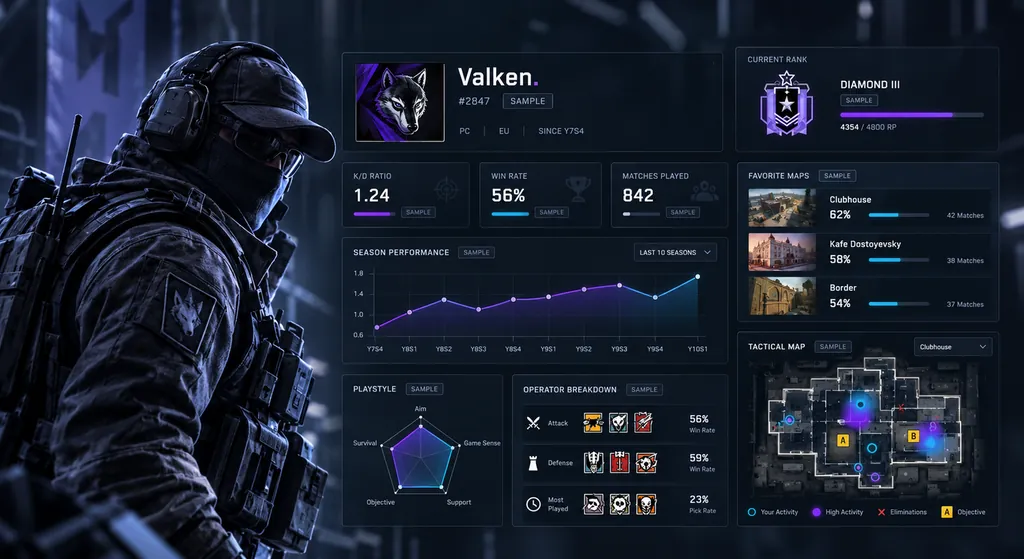
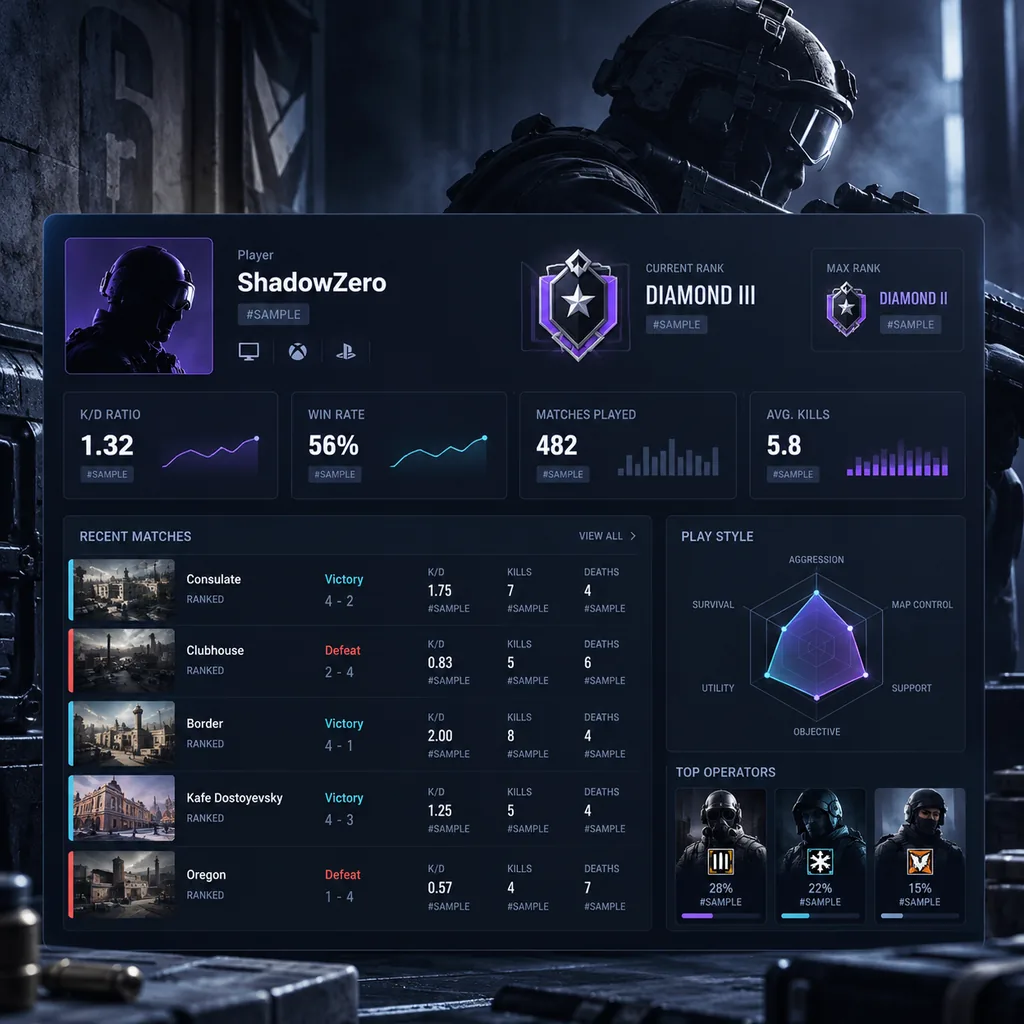
Use this Rainbow Six Siege player stats analyzer to turn the numbers on your career screen into clear performance metrics. Siege Tracker is an independent guide, not a player search tool: you type in your own kills, deaths, wins, losses, headshots and matches, and the Stat Analyzer calculates your K/D, win rate, headshot % and kills per match in your browser.
R6 Stat Analyzer Dashboard
Enter numbers from your in-game career or ranked screen to calculate your core Rainbow Six Siege stats.
6
Core Metrics Calculated
6
Analyzer Input Fields
8
Rank Tiers Explained
0
Accounts Required
Stat Topics
Core Metrics
Analyze Your R6 Player Stats
Stat AnalyzerYour numbers, calculated instantly
K/D Ratio–
Win Rate–
Matches–
Headshot %–
Kills per Match–
Kills per Round–
Fill in kills and deaths to see your K/D, and wins and losses to see your win rate.
Enter numbers from your in-game career or ranked stats screen. Results are calculated in your browser — nothing is saved or sent anywhere.
How the Stat Analyzer Works
The Stat Analyzer runs simple, transparent formulas on numbers you enter. No account, no player search, and nothing leaves your browser.
Enter Your Own Numbers
Open your in-game career screen or your Ubisoft profile and copy six values into the analyzer: kills, deaths, wins, losses, headshots and matches played. Use the same filter for every field, for example ranked only for the current season, so the results describe one consistent slice of your play. Mixing ranked kills with lifetime deaths produces a number that means nothing.
The analyzer does not look up your Ubisoft ID, connect to any server or save what you type. Every calculation happens in your browser, and the fields clear when you leave the page. That keeps it private and fast, and it means the result is only as accurate as the numbers you enter. We will never ask for your Ubisoft password, and you never need to share it to check your stats.
Clear Metric Formulas
Each result uses a standard formula you can check by hand. K/D ratio is kills divided by deaths. Win rate is wins divided by wins plus losses, multiplied by 100. Headshot % is headshots divided by kills, multiplied by 100. Kills per match is kills divided by matches played. If you have zero deaths, the analyzer shows your kills as the K/D instead of dividing by zero.
Seeing the formulas matters because different sites and screens round numbers differently or count abandoned matches in different ways. If your result looks slightly different from the in-game figure, check whether the game counts the current match, includes casual or unranked playlists, or rounds to one decimal place. Small gaps usually come from rounding, not from errors in your stats.
Track Trends Over Time
One snapshot tells you where you are; several snapshots show where you are heading. Run the analyzer at regular points, such as every 20 ranked matches or at the end of each week, and note the results. A K/D or win rate that rises across several checks is a real performance trend, while a single good night is just variance.
Compare Seasons Fairly
Seasonal stats and lifetime stats answer different questions. Lifetime numbers include every season you played while still learning maps and operators, so they move slowly. Seasonal numbers reset with each new ranked season and show your current form. Run the analyzer on both and compare them: if your seasonal K/D and win rate beat your lifetime averages, your recent practice is paying off.
Key Player Stat Categories
The core Rainbow Six Siege stats the analyzer calculates, and what each one says about your play.
K/D Ratio
Your K/D ratio compares kills to deaths across the matches you entered. A K/D around 1.0 means you break roughly even; above 1.0 means you usually get more than you give. Read it next to win rate, because a high K/D with a low win rate can point to stat-padding.
Kills ÷ deaths
0.00 – 2.00+
Win Rate Percentage
Win rate is the share of matches you win: wins divided by wins plus losses, times 100. It reflects team results as much as your own play, so it is the stat most linked to rank progression and Rank Points over a season.
Wins ÷ (W + L) × 100
0% – 100%
Headshot Percentage
Headshot % shows how many of your kills are headshots. A rising percentage usually means better crosshair placement and pre-aiming of common angles. It depends on weapon choice too, so compare it within the same operators and loadouts.
Headshots ÷ kills
0% – 100%
Kills per Match
Kills per match measures how much impact you have each game. It helps when K/D hides the picture: a player with few deaths but few kills has a decent K/D yet limited impact. Entry fraggers and roamers usually post higher numbers than support or anchor players.
Kills ÷ matches played
0 – 10+
Rank & Rank Points
Rank runs from Copper to Champion, with divisions V to I in every tier, Champion included. You gain or lose Rank Points (RP) each ranked match, and since Ranked 3.0 matchmaking uses RP only, with no hidden MMR. Rank resets every season, so compare it within a season.
Copper to Champion
V → I
Seasonal vs Lifetime
Seasonal stats show your current form and reset with each ranked season. Lifetime stats cover your whole account history and change slowly. Analyze both: the gap between them tells you whether you are improving, holding steady or slipping this season.
Current vs all-time
Season / Career
Using Your Stats to Play Smarter
Practical ways to turn Stat Analyzer results into targeted improvement in ranked matches.
Cut Deaths Before Kills
If your K/D is below 1.0, the fastest gain usually comes from dying less, not fragging more. Stop peeking the same angle twice, wait for drone info before entering, and play off a teammate who can refrag instead of swinging alone. Fewer early deaths also lift your round win rate.
Check Stats on a Schedule
Checking stats after every match leads to overreacting to one bad game. Pick a fixed rhythm instead, such as once a week or every 20 ranked matches, copy your numbers from the in-game career screen and run them through the analyzer. Regular check-ins show real trends without the noise.
Weigh Your Sample Size
Stats from a handful of matches swing wildly. A 2.0 K/D over five games says far less than a 1.2 K/D over 100 games. Before changing your main operators or role, make sure the numbers behind the decision cover enough matches to show a consistent pattern.
Note Patches and Seasons
Balance patches, new operators and map reworks can shift your numbers overnight. Write down the season and patch whenever you record your stats. If your win rate drops right after a nerf to your main operator, the cause may be the patch rather than your aim or decision-making.
Getting the Most From Your Player Stats in the Stat Analyzer
Player stats are easy to collect and easy to misread. This walkthrough covers every field in the stat analyzer, shows a fully worked example, and explains how to compare players fairly and where the numbers stop being useful.
All example figures below are labelled as examples. Use your own numbers from the in-game career or ranked screen to follow along.
In this guide
Every Stat Analyzer Input, Field by Field
The R6 player stats analyzer has six input fields. Take each one from the same screen and the same filter, such as ranked for the current season.
Kills. Total eliminations in the sample.
Deaths. Total times you were eliminated in the same sample.
Wins and Losses. Matches won and lost. Together they define how many matches the sample covers.
Headshots. Kills that were headshots. This number should never be higher than your kills.
Rounds played (optional). Fill this in if your screen shows it, to unlock kills per round.
Leave a field empty if you do not have that number. The stat analyzer only calculates the results it has enough inputs for. Fill in kills and deaths for K/D, or wins and losses for win rate, and add the rest when you have them.
Every Output and What It Means
The analyzer returns six results. Each one answers a different question about your player stats.
K/D ratio. Do you win more gunfights than you lose?
Win rate. How often do your matches end in a win?
Matches. Wins plus losses. This is your sample size, and it tells you how far to trust everything else.
Headshot %. What share of your kills land on the head?
Kills per match. How much fragging impact do you bring to each game?
Kills per round. Impact on a finer scale, shown only when you enter rounds played.
Read the matches number first. Every other result describes that many matches and no more. If it is small, treat the rest as a first impression. If it covers a season, you have a solid picture of your current form. For the K/D and win rate maths in more depth, see the K/D and win rate calculator.
The Stat Analyzer turns six inputs into six clear player stats.
Example Player Stats Card, Worked Step by Step
Example only. Suppose a ranked season screen shows 640 kills, 580 deaths, 52 wins, 46 losses, 288 headshots and 760 rounds played. Here is what the analyzer produces.
K/D ratio. 640 ÷ 580 = 1.10.
Matches. 52 + 46 = 98.
Win rate. 52 ÷ 98 × 100 = 53.1%.
Headshot %. 288 ÷ 640 × 100 = 45.0%.
Kills per match. 640 ÷ 98 = 6.53.
Kills per round. 640 ÷ 760 = 0.84.
Read as a set, these player stats describe someone slightly ahead in gunfights, winning a bit more than they lose, with a steady fragging presence across nearly a hundred matches. Nothing here is extreme, and the sample is large enough to take seriously. The next step would be comparing this card with the same player’s previous season.
It is also worth sense-checking the inputs. Headshots (288) are below kills (640), and rounds played (760) are well above matches (98), as they should be. If either check fails, one of the numbers was copied from the wrong screen.
How to Read Player Stats Together
Single numbers mislead. Combinations tell a story. These are common patterns to look for in your player stats.
High K/D, low win rate. Kills may be coming late, after rounds are decided, or at the cost of team play.
Modest K/D, strong win rate. Often a utility, intel or anchor player doing work that kills do not measure.
High headshot %, low kills per match. Clean aim, but perhaps too passive to take enough fights.
High kills per match, K/D under 1.00. An aggressive player who trades often. Fine for an entry role if the win rate holds.
Everything low over a big sample. A clear signal to review fundamentals, starting with deaths.
A profile overview is most useful when every number shares one filter.
Comparing Two Players Fairly With the Stat Analyzer
The stat analyzer works on one set of numbers at a time. To compare two players, run it once for each and line the results up side by side. A fair comparison needs matching conditions.
Same filter. Both players’ numbers should come from the same playlist and the same season.
Similar sample sizes.Example only. A 1.25 K/D over 30 matches is far less certain than a 1.10 K/D over 300.
Similar roles. An entry fragger and an anchor are judged on different strengths.
Similar rank. Strong player stats against easier lobbies are not the same as solid numbers against harder ones.
Use only numbers that are visible to you or that a friend shares with you. For an operator-level comparison, the operator stats comparison analyzer lines up several operators in one table.
Privacy – Your Player Stats Stay in Your Browser
The analyzer is built so there is nothing to protect on our side.
No login. You never sign in, and Siege Tracker never asks for your Ubisoft password.
No lookup. The analyzer does not search for players or connect to Ubisoft. It only uses the numbers you type.
No storage. Calculations run in your browser. Nothing you enter is saved or sent.
If you want to keep a history, the Siege Tracker season tracker saves snapshots in your own browser, so the data stays on your device. Our privacy policy sets out what the site does and does not collect.
Treat any player stats site that asks for your login with suspicion. Our R6 account security guide explains how to spot fake stat tools.
Example stat card only, built from labelled sample numbers.
What Player Stats Cannot Tell You
Even accurate player stats leave out a lot of what wins Siege rounds. Keep these blind spots in mind.
Utility and intel. Drones, cameras, reinforcements and gadget denial do not show up in kills or deaths.
Communication. Good callouts can win a round for a teammate, with no credit to you.
Round context. A clutch kill and a kill after the round is lost count the same.
Trades. Dying first so a teammate can refrag hurts your K/D even when it was the right play.
Team strength. Win rate depends on four other players as well as you.
Intent. Numbers show what happened, not why. Only replays and honest review explain decisions.
Use player stats to ask better questions, then look for answers in how you actually played.
Turning Results Into One Clear Focus
The analyzer is most useful when each check-in ends with a single thing to work on. Match the pattern you see to a focus for your next block of matches.
K/D below 1.00. Focus on survival. Drone before you move, avoid re-peeking the same angle, and play near a teammate who can trade you.
Low headshot %. Focus on crosshair placement. Keep your aim at head height as you clear corners and hold angles.
Good K/D but low kills per match. Focus on involvement. Take more fights when your team has information and utility ready.
Good K/D but low win rate. Focus on the objective. Plant, play for time and use your gadget before chasing extra kills.
Pick one focus, not four. Run the analyzer again after your next set of matches and see whether the matching number moved. Our guide on how to improve R6 stats has drills for each area.
Read player stats as combinations, not as single numbers.
Player Stats FAQ – Inputs and Results
Where do I find my numbers? On the in-game career or ranked stats screen. Our guide to tracking R6 stats shows a routine for copying them consistently.
Why don’t my results match another site? Different sites may cover different playlists or seasons, round numbers differently, or update at different times. Compare the inputs before assuming an error.
Why is kills per round blank? It only appears when you enter rounds played. Leave the field empty if your screen does not show it.
What if I have zero deaths? The analyzer shows your kills as the K/D instead of dividing by zero. Wait for a bigger sample before reading much into it.
Can I enter unranked or casual numbers? Yes, as long as every field comes from the same playlist. Label the result so you never compare it with a ranked sample by mistake.
Stat Analyzer FAQ – Accounts and Limits
Can I look up another player’s player stats here? No. Siege Tracker has no player search and no connection to Ubisoft. You can analyze numbers a friend shares with you by typing them in.
Is Siege Tracker affiliated with Ubisoft? No. It is an independent education site. For account or game issues, use Ubisoft Help.
How often should I run the stat analyzer? On a fixed schedule, such as weekly or after a set number of ranked matches, so you see trends rather than single nights.
Does a good result mean I will rank up? Not directly. Rank Points come from match results, so win rate is the closest link to rank, and player stats are only part of the picture.
Start Tracking Your R6 Stats
No account needed. Open your in-game career screen, enter your numbers in the Stat Analyzer above, then use our K/D calculator and guides to plan your next ranked session.